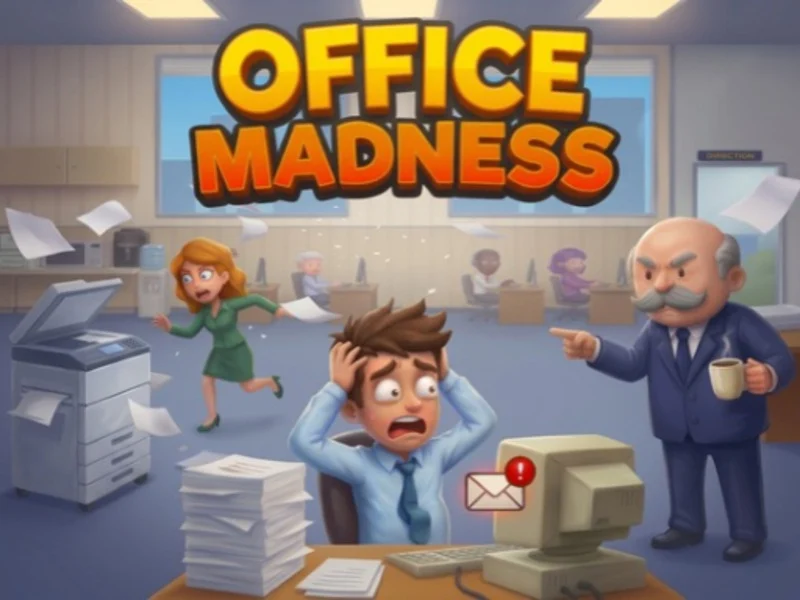
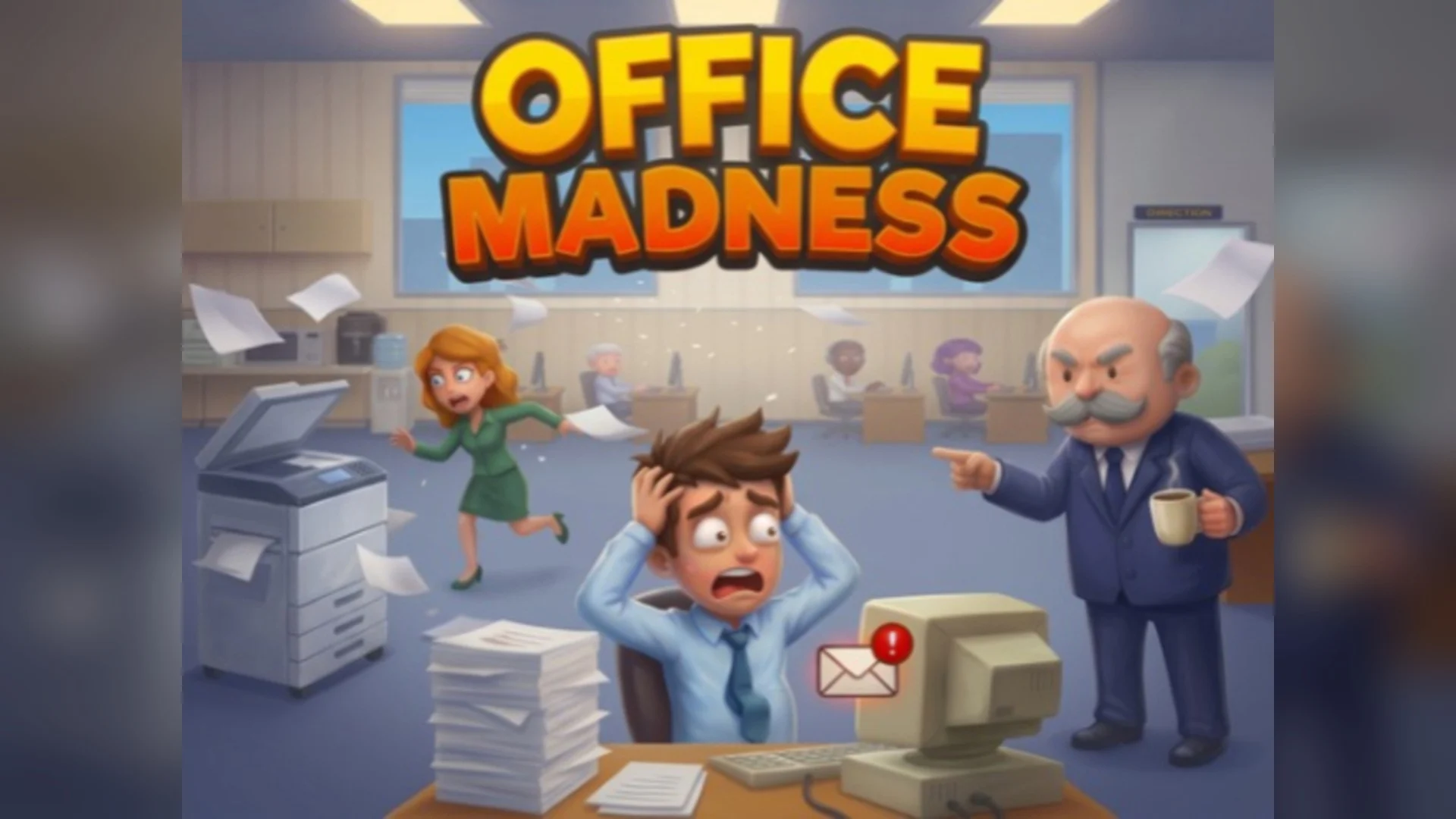
I like games that make an ordinary job feel a little odd, and Office Madness has that kind of setup. It’s a single-player office simulation where you play Sam, an employee trying to get through a busy day. Work tasks mix with coworker chats, sudden requests, and small problems, so the shift doesn’t sound calm for long.
The appeal is the mix: you can choose a task, try a short activity, or take a moment away from work. The game suits players who enjoy light management and funny cartoon scenes more than a serious story. On-screen prompts show what to do next, which keeps things easy to follow. If a hectic day sounds more amusing than relaxing, give it a try.
📖 Office Madness Games Overview
Office Madness follows Sam through a busy workday. Your main goal is to complete office tasks and reach the daily work quota, while keeping an eye on your money and stress. It’s a single-player game, so you can focus on the tasks and choices at your own pace.
Task cards appear in a tray during the day. Pick one to start an activity, then follow the directions on screen. The activities are short, but they don’t all ask you to do the same thing: you might need to react at the right time, follow a set order, choose an option, or solve a practical office problem. Finishing activities moves you closer to the quota.
The work isn’t only about task cards, though. You can move around the office, visit coworkers, and interact with objects. Conversations and unexpected requests can interrupt your routine and give you choices to make. Coffee breaks let you step away from work for a moment, so part of the challenge is deciding when to focus and when to pause. The task tray and prompts help you see what needs attention next.
📸 Office Madness Games Screenshots

👥 Who Will Enjoy Simulation Games Like Office Madness?
Office Madness suits players who like Simulation games with clear goals and small choices. If you enjoy checking a task list, trying short mini-games, and keeping track of a few things at once, its workday setup may be a good fit. The cartoon style and funny office situations also make it a lighter pick than a serious job sim. You don’t need to know anything about office work; the instructions explain each activity. It’s single-player, so it works well if you’d rather focus on your own pace. Players looking for long stories or multiplayer play may want something else.
🎮 Office Madness Games Controls & How to Play
Office Madness uses the mouse to select tasks and interact with things in the office. Choose a card from the task tray to begin an activity, then read the prompt and follow the instructions shown on screen. Some tasks ask for a timely response, while others ask you to follow steps, pick an option, or work out a practical problem.
On touch devices, use the on-screen controls and tap to interact. The listed controls also include the arrow keys and spacebar, though the instructions don’t assign each key a specific job. The screen is set up in a horizontal layout. As you play, check the task tray and prompts to see what to do next, and keep an eye on your quota, money, and stress. You can also move around, visit coworkers, and take a coffee break when you want to step away from tasks.
Office Madness Games in Detail
The day moves between choosing work and handling whatever comes up around the office. When a task card appears, you decide whether to take it on, then complete its short activity by following the screen directions. The variety helps keep the work from feeling like one repeated action. Some activities test your timing, while others ask for a choice or a simple sequence.
There’s a bit to keep track of as you go. The daily quota gives your work a clear target, and money and stress are also shown as things to watch. You can walk around, visit coworkers, and interact with objects, but conversations may break into your routine. Those chats can bring choices, so you’ll need to decide how to respond instead of simply moving from one task to the next. And when you need a pause, coffee breaks are available. I like that the game makes a break part of the workday, not just another task. The main rhythm is simple: check what’s happening, choose what to do, and try to get through the shift.
✨ Office Madness Games Key Features
- Single-player office simulation starring Sam
- Task cards with short activities and mini-games
- A daily work quota, money, and stress to track
- Coworker conversations, choices, and unexpected requests
- Office movement and coffee breaks
⚙️ Office Madness Games Specifications
| Game Title | Office Madness |
|---|---|
| Genre / Category | Simulation |
| Developer | Vorath.studio |
| Platform Support | Desktop (Windows/Mac), Mobile (iOS & Android) |
| Technology | HTML5 / WebGL Canvas |
| Controls | Keyboard, Mouse & Touchscreen |
💡 Office Madness Games Tips & Strategy Guide
Start by checking the task tray and reading each prompt before you act. The instructions tell you what the activity needs, so there’s no need to guess. Since tasks can ask for timing, a sequence, a choice, or a practical fix, take a moment to notice which kind you’re doing. Keep the daily quota in mind as you choose tasks, and check your money and stress as the day moves along. I’d also pay attention to conversations: they can interrupt your routine and offer choices, so don’t click past them without reading. You can move around the office and visit coworkers, but remember that coffee breaks are there when you need to step away. Try to balance focused work with a pause instead of treating every moment as task time.
Why Players Enjoy Office Madness Games
The fun comes from a familiar workday turning busy in small ways. You’re not only completing tasks; you’re also dealing with conversations, requests, and choices that can interrupt your plan. I like the short activities because each one gives you a clear thing to do, while the quota gives the day a simple goal. The stress and break choices add another part to manage without making the controls hard to follow. Office Madness is free to play online in a browser, with no download needed. It’s a handy choice when you want a light game with a bit of office chaos.
❓ Frequently Asked Questions about Office Madness Games
Q: Is Office Madness a multiplayer game?
A: No. Office Madness is a single-player game.
Q: How do you complete tasks in Office Madness?
A: Select a task card from the tray, then follow the on-screen instructions for its activity.
Q: Can you take breaks during the workday?
A: Yes. Coffee breaks are available when you want to step away from work for a moment.
About This Game’s Source
This game is embedded from a third-party HTML5 game provider feed and runs in your browser with no download or installation. If it does not load, or anything about it seems inappropriate, please use the Report button above so the Gply team can review it and remove it if needed.
🎯 More Games Like Office Madness
Enjoying this game? Play more Simulation games free online.

admin is part of the Gply team. Every game on this page was checked to load before it was published. More about us