Got a few minutes to spare and want to fight some pixels? You should try Swordbattle.io. It's a quick multiplayer game you can open right in your web browser.
If you like fast action games, this one will keep you busy. You just grab a 2D sword and start swinging at other players. It's really fun to play with friends when you want a simple challenge.
📖 Swordbattle.io Games Overview
Swordbattle.io is an online multiplayer game where everyone fights using 2D swords. You run around the landscape trying to collect coins while staying away from enemies. The game runs on a wide horizontal screen so you can see what is happening around you.
When you pick up coins, your character grows bigger and much stronger. Your main goal is to beat everyone else and become the biggest player on the map. You can also chat with other people using the enter key while you play.
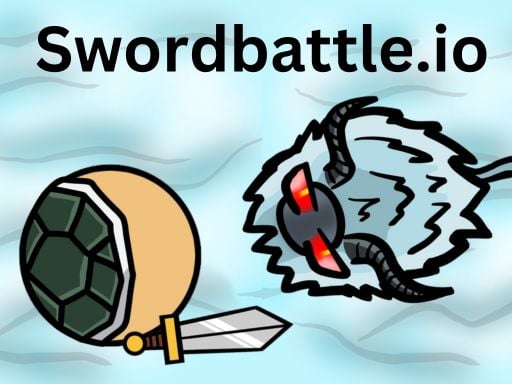
🖼️ Swordbattle.io Games Preview
👥 Who Will Enjoy Action Games Like Swordbattle.io?
Action games like this are great for anyone who likes quick fights and simple goals. If you enjoy playing with friends and trying to grow your character to the top, you'll have a good time here. It suits players who like fast multiplayer battles without complicated rules to learn first.
🎮 Swordbattle.io Games Controls & How to Play
You move your character using the WASD keys or the arrow keys on your keyboard. To swing your sword, you just click with your mouse and point where you want to attack. If you want to throw your weapon, press the C key.
There is also a mouse mode you can turn on in the settings menu. With that turned on, you click to swing, right-click to throw, and move your mouse to walk around.
Swordbattle.io Games in Detail
Every match starts with a small character and a simple 2D sword. You need to move fast because other players are looking for coins too. So, your first job is collecting as many coins as you can find.
As you get more coins, your fighter grows bigger. But being big also makes you a target for everyone else on the map. You have to choose when to fight and when to run away. Throwing your sword can help you hit enemies from far away, but then you don't have it in your hands.
✨ Swordbattle.io Games Key Features
- Multiplayer fights with 2D swords
- Grow bigger and stronger by collecting coins
- Chat with other players using the enter key
- Keyboard and mouse controls with a mouse mode in settings
- Horizontal landscape screen layout
⚙️ Swordbattle.io Games Specifications
| Game Title | Swordbattle.io |
|---|---|
| Genre / Category | Action |
| Platform Support | Desktop (Windows/Mac), Mobile (iOS & Android) |
| Technology | HTML5 / WebGL Canvas |
| Controls | Keyboard, Mouse & Touchscreen |
💡 Swordbattle.io Games Tips & Strategy Guide
Start by running around to grab coins safely instead of fighting right away. You need to grow bigger before you take on strong enemies. Watch out for big players because they can beat you easily when you are small. Use your C key to throw your sword if you need to hit someone from a distance, but remember you might lose your weapon. Play with friends so you can help each other fight the biggest players on the map.
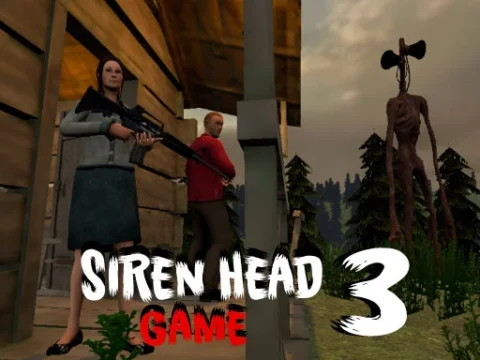
If you enjoy Swordbattle.io, you may also like Granny Returns Haunted House Action Game and Siren Head 3 Game Action Game – 3D Free Online – both free to play right in your browser.
Why Players Enjoy Swordbattle.io Games
People like this game because it's easy to jump into a match right away. You can play Swordbattle.io for free online in a web browser without any downloads. It is fun to team up with friends, collect coins, and try to rule the land together.
❓ Frequently Asked Questions about Swordbattle.io Games
Q: How do I move my character?
A: You can move using either the WASD keys or the arrow keys on your keyboard.
Q: Can I talk to other players?
A: Yes, you can chat with others by pressing the enter key on your keyboard.
Q: How do I throw my sword?
A: You can press the C key on your keyboard, or use the right-click option if you turn on mouse mode in the settings.
About This Game’s Source
This game is embedded from a third-party HTML5 game provider feed and runs in your browser with no download or installation. If it does not load, or anything about it seems inappropriate, please use the Report button above so the Gply team can review it and remove it if needed.
🎯 More Games Like Swordbattle.io
Enjoying this game? Play more Action games free online.

admin is part of the Gply team. Every game on this page was checked to load before it was published. More about us