Got a few minutes to spare and feel like testing your driving? Hyperleague is a 3D arcade racing game that runs in your browser. You pick a car, choose how you want to race, and try to come out on top or set a quick lap. It’s easy to see the goal, but you’ll still need to pay attention to the road.
Hyperleague suits players who enjoy short, clear racing challenges and like having a few ways to play. You can focus on beating other drivers, work on your lap time, or take on a chase. I like that you can choose the kind of challenge that fits your mood.
📖 Hyperleague Games Overview
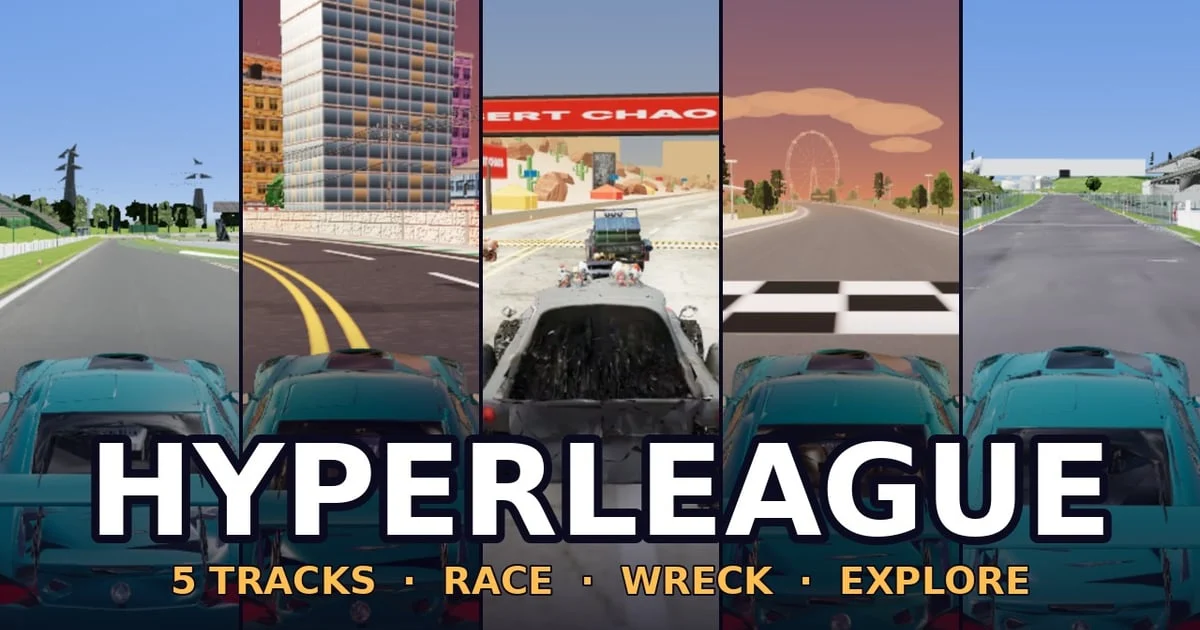
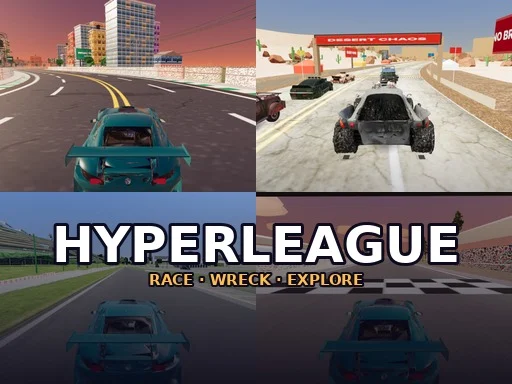
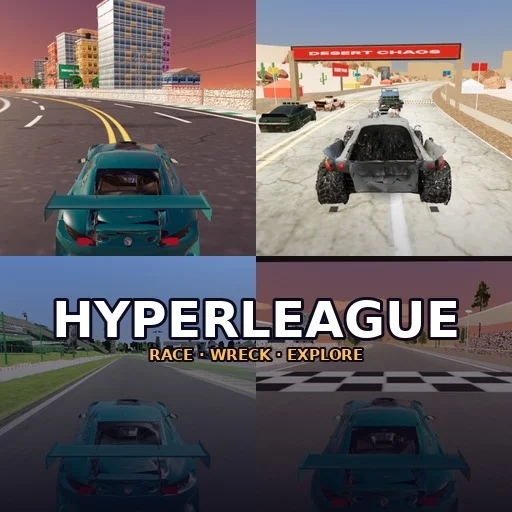
Hyperleague is an arcade racing game with five tracks and 14 cars. You can choose from three modes, and the goal changes with each one. In Race mode, you start beside three AI drivers and compete for first place over 2, 3, or 5 laps. Time Attack removes the other drivers, so your lap time is what matters. Police Chase puts traffic on the road while the police follow you, making each overtake a risk.
The tracks are Lagos Island, Heart Island Circuit, Mad House, Ridgeline, and Pinewood. Police Chase includes a Lagos Island story with 15 levels, each with its own goals and star rating. Heart Island Challenge adds 15 delivery and escort missions. You can set races to Easy, Normal, or Hard, which gives you room to learn the corners before facing the hardest AI drivers. Three cars are ready at the start. Finish races and complete daily missions to earn credits, then use them to unlock more cars. Your progress and best lap times are saved in your browser. So, even if you switch between modes, you can still work toward a better time or another car.
📸 Hyperleague Games Screenshots

👥 Who Will Enjoy Racing Games Like Hyperleague?
Racing games like Hyperleague are a good fit if you enjoy steering through corners, chasing a better place, or trying to beat your own lap time. The different modes give you a choice between racing AI drivers, driving without rivals, and facing traffic during a police chase. New players can start on Easy and get used to the corners before trying harder AI. Players who like a bit more control can use manual gears or adjust the driving assists. If you prefer a quiet run, Time Attack may suit you; if you want more going on around you, try a chase.
🎮 Hyperleague Games Controls & How to Play
Pick a car and a mode from the menu, then use W or the up arrow to accelerate. S or the down arrow brakes and reverses, while A and D or the left and right arrows steer. Hold Shift to use nitro for a short burst of speed. Press Space to use the handbrake and start a drift. E and Q shift gears, and G selects automatic gears.
You can press V for Arcade mode, T to switch traction control, and H to change driving assist. Use C to change the camera, R to reset your car, and M to turn music on or off. Press Esc to return to the menu. On mobile, use the on-screen arrows to steer, the up and down buttons to accelerate or brake, and the drift and nitro buttons for those actions. The game uses a horizontal screen layout.
Hyperleague Games in Detail
A race asks you to balance speed with control. Hold the gas on the straights, then steer through each corner without losing your line. Nitro gives you a short speed boost, while the handbrake can start a drift. Traffic adds a reason to think before passing: an overtake may help you move ahead, but the road can be busy. Arcade mode makes the cars easier to control, and you can turn traction control and driving assist on or off. You can also choose to shift gears yourself or use automatic gears.
There’s a different focus in each challenge. In Race mode, you need to finish ahead of three AI drivers, with the race lasting 2, 3, or 5 laps. Time Attack cuts out the rivals, leaving you to work on your lap time. Police Chase mixes traffic with a police pursuit, and its Lagos Island story has 15 levels with separate goals and star ratings. Heart Island Circuit also has a challenge with delivery and escort missions. Each race offers Easy, Normal, and Hard difficulty, so you can build up to tougher AI at your own pace. As you finish races and daily missions, you earn credits for unlocking cars. Your progress and best times stay saved in the browser.
✨ Hyperleague Games Key Features
- Five tracks, 14 cars, and three ways to play
- Race mode with three AI drivers and adjustable lap counts
- Time Attack for chasing a better lap time
- Police Chase levels, plus delivery and escort missions
- Nitro, handbrake drifting, and adjustable driving assists
⚙️ Hyperleague Games Specifications
| Game Title | Hyperleague |
|---|---|
| Genre / Category | Racing |
| Developer | Hyperleaque |
| Platform Support | Desktop (Windows/Mac), Mobile (iOS & Android) |
| Technology | HTML5 / WebGL Canvas |
| Controls | Keyboard, Mouse & Touchscreen |
💡 Hyperleague Games Tips & Strategy Guide
Start on Easy if you’re still learning a track. Give yourself time to get used to the corners before moving up to Normal or Hard. In Race mode, look for a safe chance to pass instead of rushing into traffic. The road can make an overtake risky, so a little patience may help you stay in control. Save nitro for a moment when a short burst can help, and try the handbrake when you want to start a drift. If the cars feel tricky to handle, switch on Arcade mode or adjust traction control and driving assist. In Time Attack, focus on your own lap rather than other drivers. Try different gear settings, too: automatic gears keep shifting simple, while manual shifting lets you use E and Q. Daily missions can earn credits toward more cars.
If you enjoy Hyperleague, you may also like Skyway Moto Racing Game – 3D Free Online and Buddy and Friends Hill Climb Racing Game – both free to play right in your browser.
Why Players Enjoy Hyperleague Games
Hyperleague gives you a clear goal each time you choose a mode, and the driving tools let you shape how you handle the road. You might want to beat the AI, improve a lap time, or try a chase with traffic in the way. The five tracks and different challenges offer a change of pace without making the basic idea hard to follow. You can also earn credits through races and daily missions, then spend them on other cars. It’s free to play online in a browser with no download, which makes it easy to start a race when you have a little time.
❓ Frequently Asked Questions about Hyperleague Games
Q: How many tracks are in Hyperleague?
A: There are five: Lagos Island, Heart Island Circuit, Mad House, Ridgeline, and Pinewood.
Q: Can I play Hyperleague with other people?
A: No. Hyperleague is a single-player game against AI drivers or solo challenges.
Q: Does Hyperleague save my progress?
A: Yes. Your progress and best lap times are saved in your browser.
About This Game’s Source
This game is embedded from a third-party HTML5 game provider feed and runs in your browser with no download or installation. If it does not load, or anything about it seems inappropriate, please use the Report button above so the Gply team can review it and remove it if needed.
🎯 More Games Like Hyperleague
Enjoying this game? Play more Racing games free online.

admin is part of the Gply team. Every game on this page was checked to load before it was published. More about us